AI agent drafts the plan. You confirm.
- Input
Emails and delivery request.
- Discussion
"Move welding to Friday."
- Preview
Tark previews the plan and notices. You change it.
- Notices
When you apply the change through Tark's API or command line, Tark sends the notices to the people it affects.

The agent drafts.
You add your emails in the AI tool.
Your systems
- Financial dataMerit Aktiva
- SalariesMerit Palk
- Till (POS)CompuCash
- MachinesOPC UA, MQTT, Modbus
- Excel and by hand

Who · Where · With what · For whom
The agent drafts using data from Tark.
Your tools
- Web
- Kiosk
- AI tool (MCP)
Your systems stay.
Tark links work and data.
| Source | Content | Direction |
|---|---|---|
| Financial dataMerit Aktiva | Invoices and costs | |
| SalariesMerit Palk | Hours to payroll | Out of Tark |
| Till (POS)CompuCash | Sales | Into Tark |
| MachinesOPC UA, MQTT, Modbus | Machine state and counts | Into Tark |
| Excel and by hand | Spreadsheets and manual entries | Into Tark |

The agent sees the same data.
Web
The planner moves jobs.
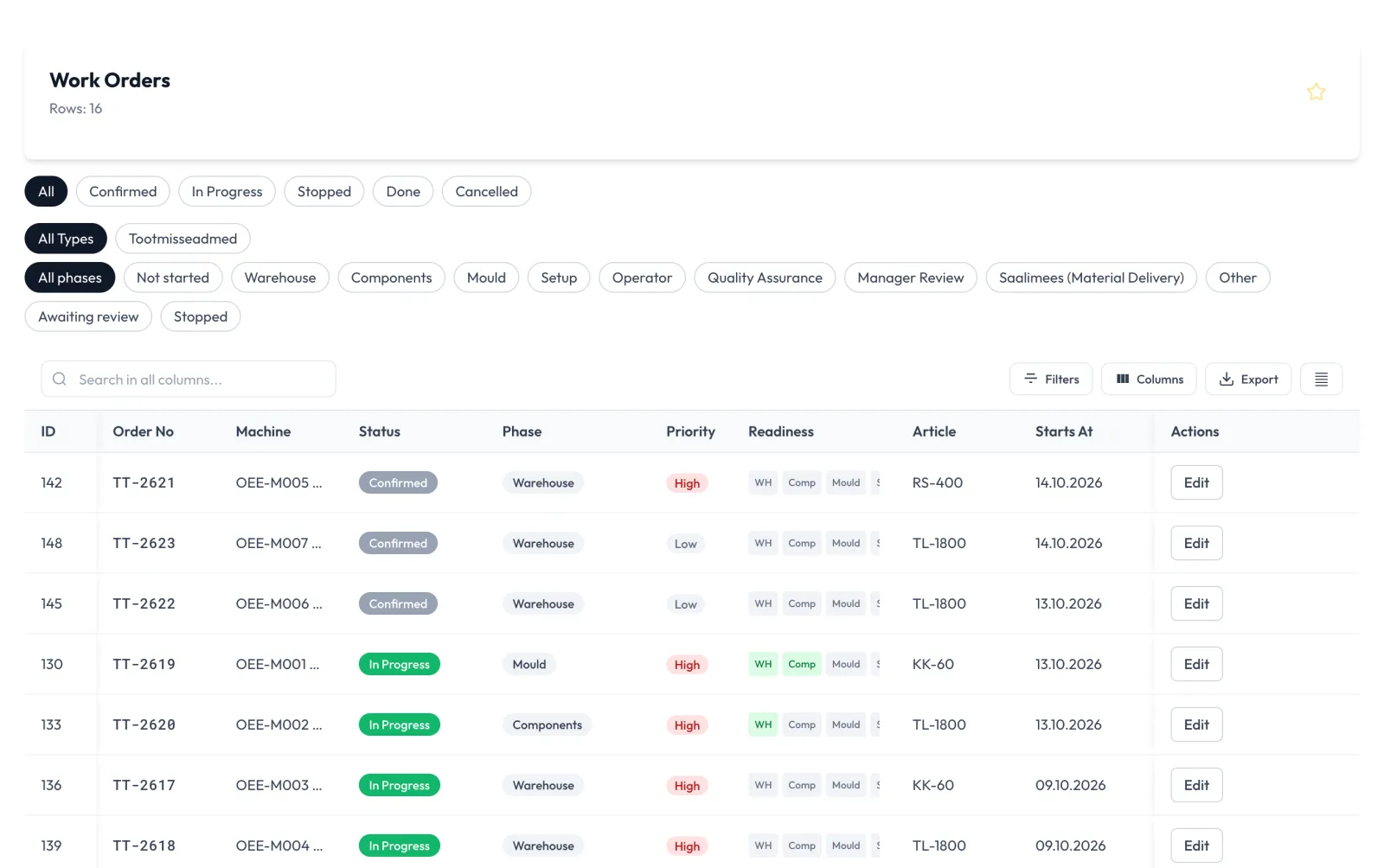 Demo data
Kiosk
The worker logs time.
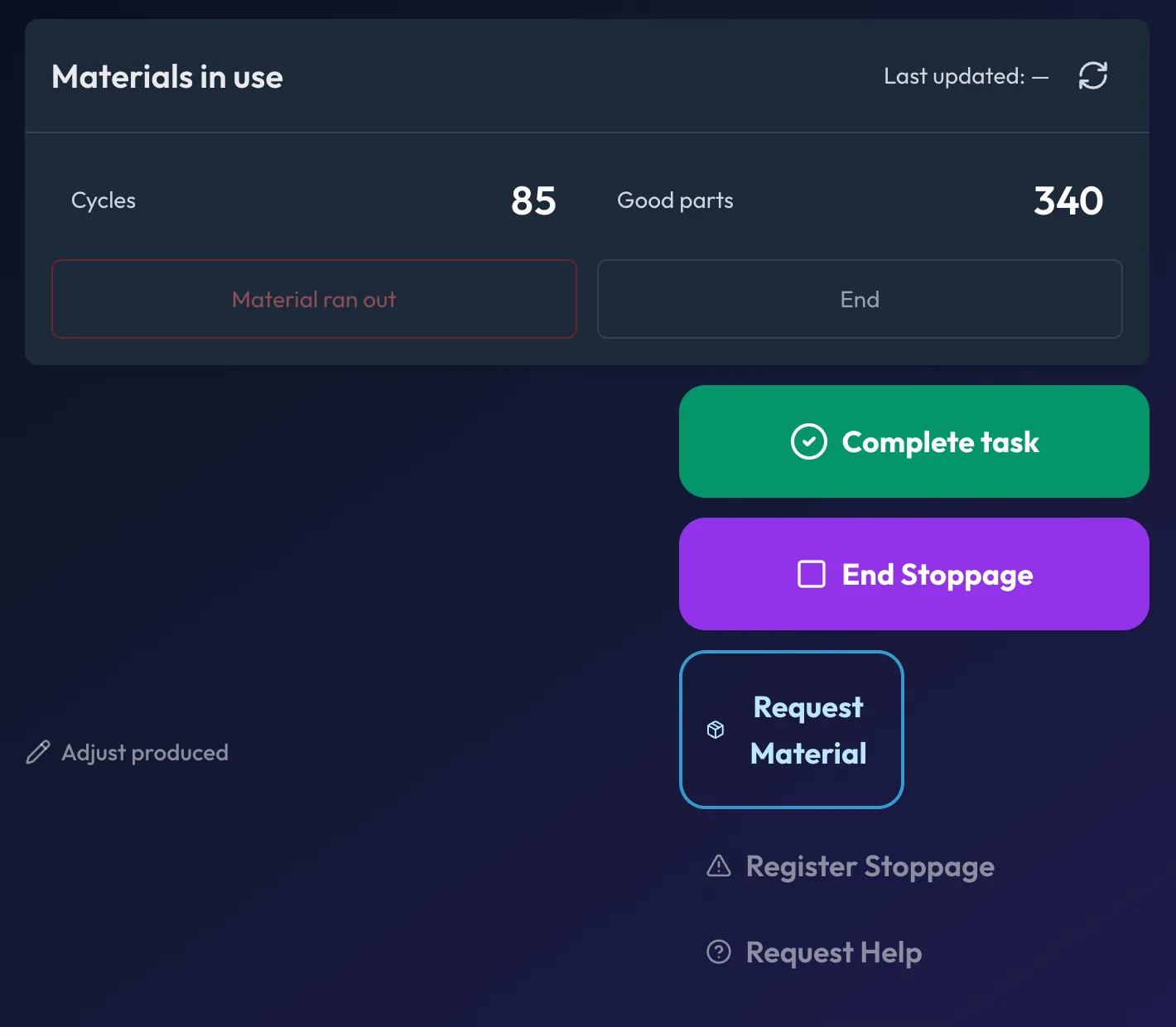 Demo data
AI tool
You give instructions.
See the agent on your data, together with us.
AI drafts.
Plan
- Role
- Planner
- Data
- Jobs, machines and shifts
"Line down. Replan."
- 4 jobs
- 1 deadline at risk
- 1 draft plan
Act
- Role
- Supervisor
- Data
- Shifts and skills
"Swap Jaan’s Friday shift."
- 1 candidate
- 1 shift
- 1 draft notice
Measure
- Role
- Project manager
- Data
- Projects, estimates and hours
"Compare hours against estimates."
- 3 projects over estimate
- 1 draft summary
Lead
- Role
- Sales manager
- Data
- Orders and delivery dates
"Answer the delivery question."
- 1 delivery date
- 1 draft email to the customer
Connect. Sign in. Review.
No programming needed.
Connect
Add Tark’s MCP address to Claude or ChatGPT. We provide it.
Sign in
Use your own Tark account. Choose permissions on the consent screen.
Review
Tark previews it. You apply the change with your login through Tark's API or command line, or by hand on the web.
Tark logs every request.
When you apply the change through Tark's API or command line, Tark sends the notices to the people it affects.
- Other records
With write access, the agent adds or changes tasks, projects, time entries, clients, leads, quotes, contracts and recipes at once. It can archive tasks. It creates a sales order from a won quote.
- Plan and roster
The manager applies changes to the production plan and shift roster through Tark's API or command line.
- Permissions
The agent acts within your user’s permissions. Read access is on by default. Changes need your permission. Deletion is never allowed.
- Revocation
You can revoke the connection at any time under “Connected apps”.
- Log
Tark logs the user, AI tool and request type.
- Access
The administrator decides who can connect.
Questions and answers
What is MCP?
An open standard connecting AI tools to other systems.
Which AI tool does it work with?
Claude and ChatGPT.
Does the agent change the plan by itself?
The agent's own connection does not change the production plan or shift roster. Tark applies the change under your own Tark user and personal key, through Tark's API or command line, when you say so. If you let an AI tool run that command, it acts in your name and with your rights. Tark records who made the change and with which key.
Does the agent send notices?
The agent prepares the notices. When you apply the change through Tark's API or command line, Tark sends the notices to the people it affects. Each recipient confirms receipt with one tap. Tark counts these confirmations. If you make the change by hand on the web, Tark sends none of these notices and counts no confirmations.
What can the agent change?
With write access, the agent adds or changes tasks, projects, time entries, clients, leads, quotes, contracts and recipes at once. It can archive tasks. It creates a sales order from a won quote.
Does it fit our ERP and payroll?
The accountant takes hours to Merit Palk with the Merit export and to RP Taavi as a CSV file.
Where does the data go?
To the AI tool you choose.
What if the agent gets it wrong?
If the draft is wrong, you do not make the change. If you made a plan change through Tark's API or command line, you undo it with one command. Tark restores every job nobody has changed since. A job changed since stays where it is, and Tark shows it to you. Tark tells everyone who got the change notice about the undo. If a later change touches the same jobs, you undo that one first. If your current rights do not cover every part of the undo, Tark undoes nothing. You correct a record the agent saved directly in Tark, like any other. You can revoke the connection at any time.
How much does it cost?
You pay for what you use. We start with one module at one location. We map your work in a day, then you get an exact price.
How quickly is it up and running?
One module, one location, one month: at the end of the month you have a measured result and decide whether to continue.
Let’s review your plan together.
One module, one location, one month.
Book a 15-minute callMartin Karu
Founder and CEO